


Trova works across Maptician to turn simple requests into completed bookings, visits, and tasks, all within the rules your organization already has in place.

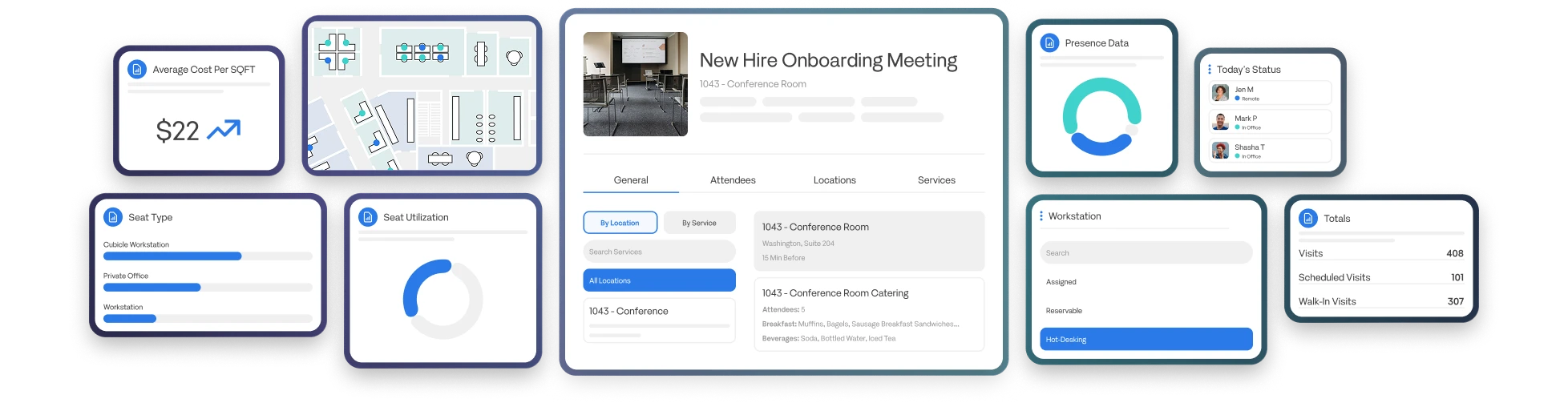
From Maptician, the workplace platform trusted by 150,000+ users and ~80 of the top 500 legal firms.





Deeply integrated into Maptician, Trova understands your goals, determines what needs to happen, and takes action across the platform to get it done.

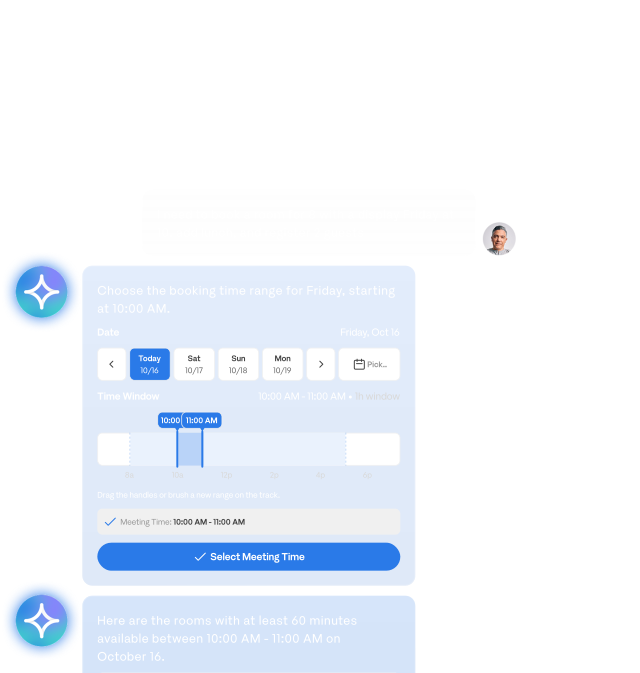
Handle bookings, attendees, services, and visitors in one conversation instead of juggling separate workflows.

Get instant answers about people, spaces, and availability without clicking through screens.

Book, update, approve, and schedule right from the conversation, so work keeps moving.

Trova acts with each user’s existing permissions and follows Maptician’s booking rules to ensure compliance.

Roles
Whether you’re planning an office day or managing visitors and service tasks, Trova helps you go from request to done.
Answers about your people, on demand
Ask Trova who from a team is onsite, remote, or headed to a specific office, and get answers straight from your Maptician data. Plan office days around the people you need to see, without chasing calendars or group chats.

AI that plays by your rules
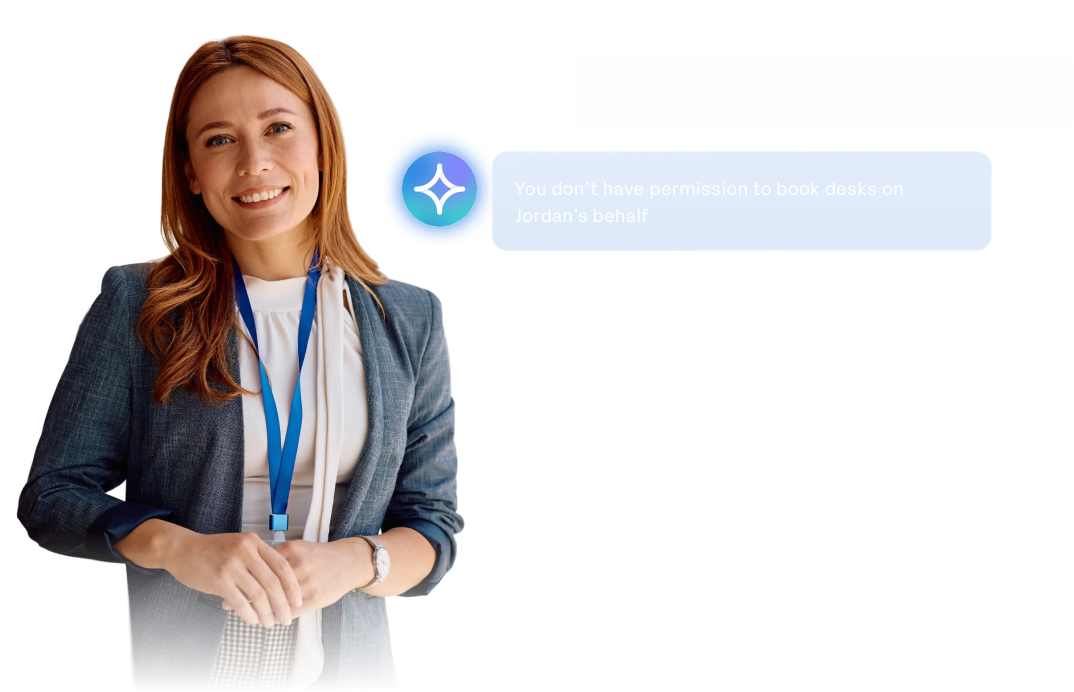
Trova acts as the signed-in user, so every request runs through the permissions, approvals, and booking rules you’ve already set in Maptician. Asking in a conversation never grants extra access, and your organization stays in control.
Stay ahead of every request
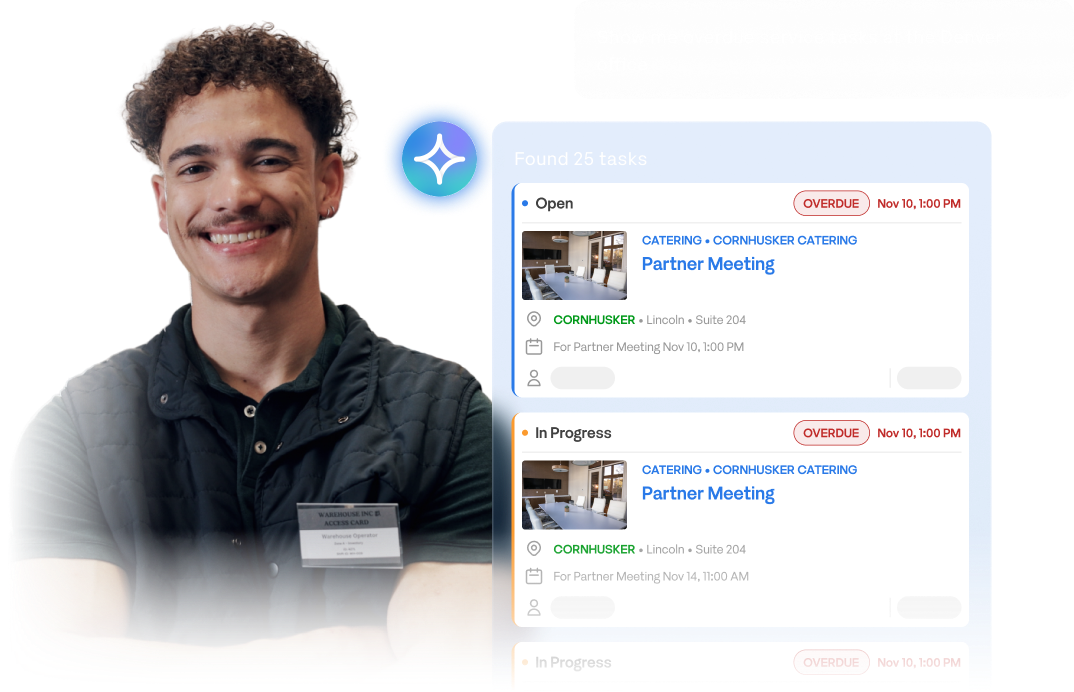
Pull up overdue service tasks by office, priority, or due date, then assign them, update their status, or add notes right from the results. Spend less time digging through requests and more time resolving them.
Keep the office running smoothly
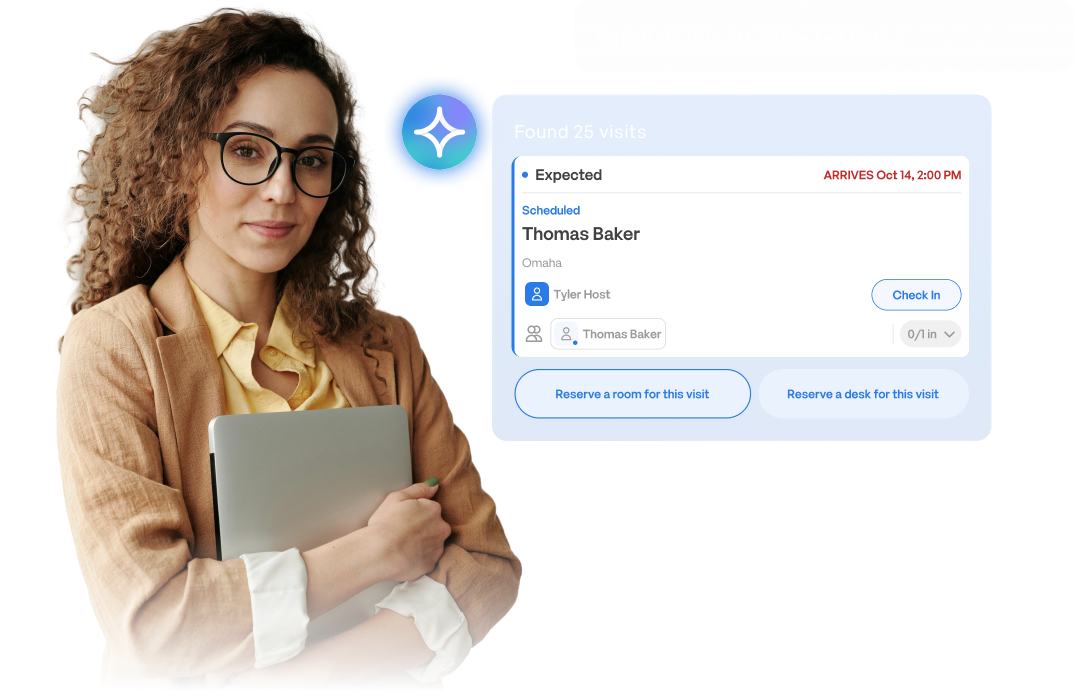
See who’s expected today, check guests in as they arrive, and reserve a room or desk for their visit, all in the same conversation. The front desk runs smoother when the details are already handled.
Bring the right people together
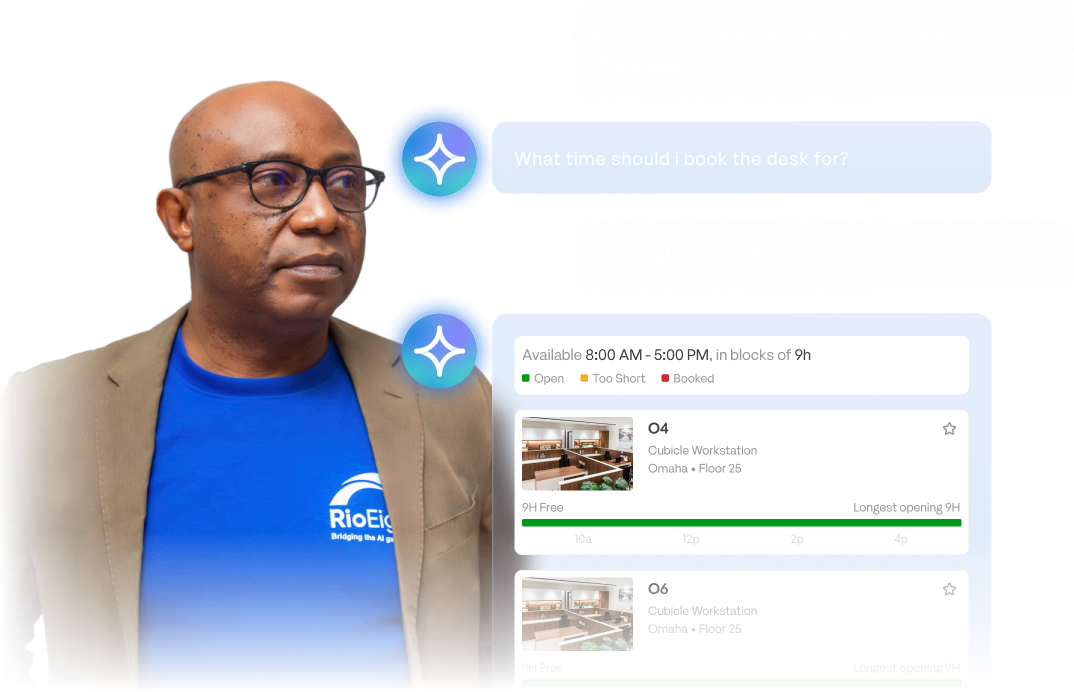
Ask Trova for a desk near your team, and it checks live availability, asks for anything it needs, and books the spot. Coordinating office days gets easier, and coming in feels worth the trip.
Compliance
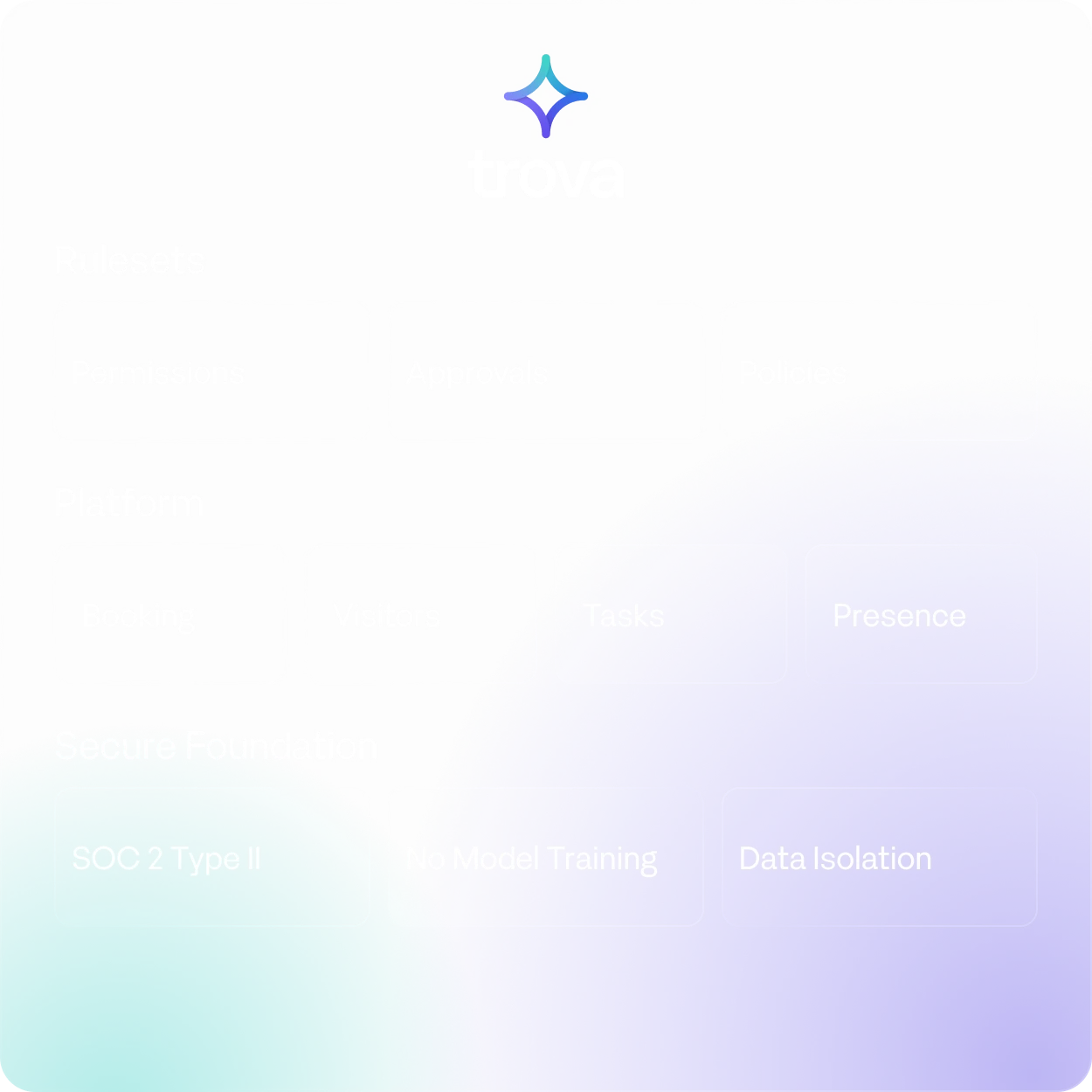
Trova gives employees a simpler way to work without bypassing the permissions, rules, and controls organizations already rely on.
FAQs
Everything you need to know about Trova, from what it can do to how it works within your organization’s rules.
Trova is Maptician’s AI workplace assistant. Ask it what you need in plain language, and it finds information and completes tasks across Maptician, from booking rooms and desks to scheduling visitors and managing service tasks.
General AI assistants can tell you how to do something. Trova can actually do it. It’s built into Maptician, so it works with your organization’s real people, spaces, and bookings, and it can take action on your behalf within the rules you already have in place.
Trova can:
It can also handle related requests in a single conversation, like booking a room and then registering a guest for that meeting.
Yes. Trova acts as the signed-in user, with that person’s existing permissions. Asking Trova for something doesn’t grant extra access, and Maptician’s booking rules, approval requirements, and limits still apply to every request.
No. Customer data isn’t used to train AI models. Each organization’s data is kept separate, and Trova is covered by Maptician’s SOC 2 Type II controls.
For sensitive actions, yes. Trova asks for confirmation before steps like deleting a contact or sending a message to a visitor. For everyday requests, like creating a booking you’ve clearly asked for, Trova completes the action once the details are set.
Trova shows each completed action as it goes, so you always know what’s been done. You can stop a request at any time, and anything Trova books or updates can be changed in Maptician just like any other booking. As with any AI tool, it’s worth reviewing the details before you confirm.
Trova works with the Maptician features your organization already uses. What it can do depends on your enabled features, configuration, and each user’s permissions.
Trova is in a limited beta test, with full availability coming soon. Request a demo to learn more about availability for your organization.