

The right platform today saves a costly switch tomorrow.
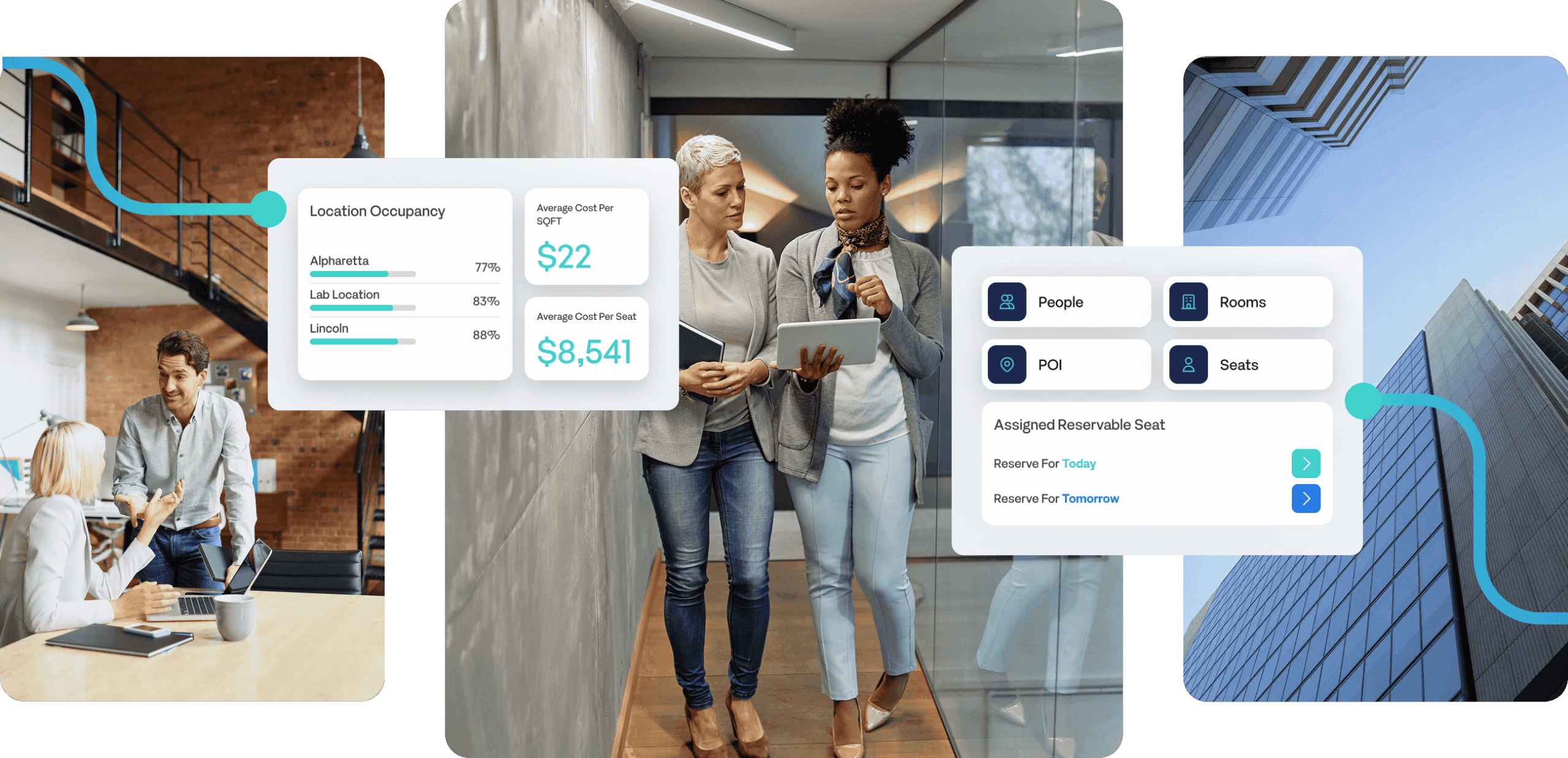
Managing a hybrid office in 2026 means more than just booking desks. Organizations need to track space utilization across floors, manage visitor check-ins, report on office occupancy for real estate decisions, and give employees a seamless workplace experience — whether they’re in one day a week or five.
The right workplace management software brings desk booking, hot desking, space planning, presence visibility, and occupancy analytics together in one place — without requiring a team of IT specialists to run it.
We’ve reviewed eight of the top workplace management platforms on the market based on features, ease of use, deployment speed, and how well each supports modern hybrid work.
| # | Software | Best for | Highlight |
|---|---|---|---|
| 1 | Maptician Editor’s pick |
All-in-one workplace management for hybrid offices
Desk booking
Visitor management Space planning Occupancy analytics Hot desking |
All-in-one |
| 2 | OfficeSpace | Enterprise space planning, scenario planning, and utilization analytics | Enterprise |
| 3 | Robin | Desk booking and hot desking for mid-size companies | Mid-market |
| 4 | Envoy | Visitor management with digital check-in and badge printing | Visitor mgmt |
| 5 | Skedda | Desk and room booking with fast setup and flexible configuration | Flexible config |
| 6 | deskbird | Hybrid work scheduling for Microsoft Teams and Outlook users | Hybrid sched. |
| 7 | Tactic | Office desk booking for small and mid-sized businesses | SMB |
| 8 | FM:Systems | Facility management and IWMS for large enterprises | IWMS |
Best All-in-One Workplace Management Software for Hybrid Offices
Best for: Organizations that need desk booking, hot desking, visitor management, office space planning, and workplace analytics in a single platform — deployed in weeks, not months.
Maptician is a comprehensive workplace management platform that unifies the core functions most organizations handle with separate tools: desk and room booking, real-time office presence visibility, interactive floor plans, office space planning, visitor management, and workplace analytics. Instead of stitching together three or four tools, teams get one unified platform with a single data layer across all workplace functions.
What makes Maptician stand out among workplace management software is the combination of breadth and speed. It covers more ground than desk booking tools like Robin or deskbird, and deploys significantly faster than enterprise platforms like OfficeSpace. Most organizations are fully live with interactive floor plans, hot desking, and occupancy analytics in about three weeks.
The platform is mobile-first — employees can book desks, locate teammates, and check office space availability from their phones, making it easy to plan hybrid work days without friction.
Maptician is particularly strong for law firms and financial services firms that need visitor check-in workflows, granular hot desking policies, multi-floor occupancy tracking, and workplace analytics in one system.

Desk booking and hot desking with flexible seating rules, Real-time office presence visibility (who’s in, where they’re sitting), Interactive floor plans with drag-and-drop office space planning, Visitor management: pre-registration, digital check-in, badge printing, real-time tracking, Workplace analytics: space utilization, occupancy trends, utilization by team and floor, Conference room scheduling and resource booking, Integrations with Microsoft 365, Outlook, Teams, Google Calendar, Okta, and Azure AD, and SOC 2 and ISO certified.
Genuinely all-in-one — desk booking, hot desking, visitor management, space planning, and workplace analytics in one platform. Fast deployment (~3 weeks) compared to traditional IWMS platforms. Strong mobile app for hybrid work day planning. Purpose-built for hybrid work, not adapted from legacy facility management software.
Requires a demo call to explore pricing — no self-serve sign-up option.
Best Enterprise Space Planning and Utilization Analytics Software
Best for: Large enterprises with complex real estate portfolios that need deep space utilization analytics and portfolio-level reporting.
OfficeSpace has been in the workplace management software market for over two decades, positioning itself as an AI-powered space planning and utilization analytics platform. Its strength is data depth — space utilization trends, occupancy heatmaps, scenario planning for modeling different office configurations, and portfolio-level reporting are mature and well-developed. The trade-off is complexity; OfficeSpace implementations take longer and teams typically need dedicated admin resources.
3D floor plans and office space visualization, AI-driven space utilization analytics and suggestions, Desk booking and room scheduling, Move management, and Integrations with major HRIS and IWMS systems.
Deep space utilization analytics and reporting. Established enterprise track record. Handles complex multi-location office management.
Long implementation timelines — months, not weeks. UI can feel dated compared to newer workplace management platforms. Overkill for organizations that don’t need portfolio-level real estate analytics.
Desk Booking and Hot Desking Software for Mid-Size Companies
Best for: Mid-size organizations focused primarily on desk booking, hot desking, and room scheduling with strong Microsoft and Google calendar integrations.
Robin is one of the most widely adopted hybrid workplace platforms for teams in the 200–2,000 employee range. Its desk booking and hot desking experience is polished, and calendar sync with Outlook and Google is tight. Where Robin falls short compared to all-in-one platforms like Maptician is depth — visitor management isn’t included at most tiers, space planning is limited to basic interactive maps, and workplace analytics don’t support real estate strategy.
Desk booking and hot desking, Team presence visibility (“who’s in today?”), Room scheduling with Outlook and Google Calendar integration, Occupancy insights, and Interactive office maps and wayfinding.
Clean, employee-friendly desk booking interface. Strong calendar integration for hybrid scheduling. Per-user pricing model.
No native visitor management system. Limited office space planning and utilization analytics. Not suitable as a standalone platform for organizations that need full workplace management.
Visitor Management System with Digital Check-In and Badge Printing
Best for: Organizations where visitor management, security, and compliance are the primary requirement.
Envoy has one of the most recognized dedicated visitor management system. Pre-registration, NDA signing, digital check-in, badge printing, and real-time visitor tracking are all mature features. Envoy has expanded into desk booking and room scheduling, but those features remain secondary to its visitor management core. Organizations looking for a full workplace management platform will typically need to supplement Envoy with other tools.
Digital visitor check-in and pre-registration, Badge printing and visitor photo capture, NDA and document signing at check-in, Desk booking and room scheduling, and Access control integrations (Kisi, HID, and others).
Best-in-class visitor management system. Strong compliance and security features. Deep access control integrations for secure workplaces.
Space utilization analytics not as mature as dedicated workplace management platforms. Desk booking and hot desking are secondary features, not core. Per-user pricing adds up quickly at scale.
Desk and Room Booking Software with Fast Setup and Flexible Configuration
Best for: Organizations that need reliable desk and room booking with fast implementation, flexible configuration without the complexity of a full workplace management platform.
Skedda handles desk and room booking with customizable rules, calendar sync, and interactive floor plans — with fast implementation and 24/7 customer support. It doesn’t offer deeper workplace analytics, visitor management, or real-time office presence visibility, so it’s best suited for organizations with straightforward booking needs that want to be up and running quickly.
Desk booking and room scheduling, Interactive office floor plan, Custom booking rules and automated enforcement, Microsoft 365 and Google Calendar integration, and Basic space utilization and usage analytics.
Very easy to set up — teams can be live in days. Transparent pricing with no per-user fees at base tiers. Reliable desk booking with fast implementation — teams can be live in days.
No native visitor management system. Workplace analytics don’t support real estate or space utilization decisions. Not a full workplace management platform for organizations needing visitor management or deep space planning.
Hybrid Work Scheduling Software for Microsoft Teams and Outlook Users
Best for: Teams that rely heavily on Microsoft Teams and Outlook and want intuitive hybrid work scheduling, hot desking, and seamless work location sharing.
deskbird takes an employee-centric approach to hybrid work scheduling, with a standout strength in its seamless integration with Microsoft Teams and Outlook. The platform is built around making it easy for employees to see who’s coming into the office and plan their weeks collaboratively — weekly planning views, team presence visibility, in-office day nudges, and hot desking all feel native to how hybrid teams actually work. Adoption rates tend to be high. The limitation is that deskbird is a hybrid scheduling and desk booking tool, not a full workplace management platform — visitor management, deep space utilization analytics, and office space planning are outside its scope.
Desk booking and hot desking with interactive floor plan, Team weekly planning view and hybrid work scheduling, Hybrid policy management and in-office day coordination, Room booking, and Basic office occupancy analytics.
Excellent employee experience for hybrid work scheduling. Strong team visibility and coordination features. Clean mobile app for booking desks and planning office days.
No visitor management system. Space utilization analytics too basic for real estate decisions. Not a full workplace management solution for larger organizations.
Facility Management Software and IWMS for Large Enterprises
Best for: Large enterprises and public sector organizations that need a full Integrated Workplace Management System (IWMS) with facility management, asset tracking, and compliance reporting.
FM:Systems is a legacy IWMS platform with deep facility management roots. If the priority is space management alongside maintenance management, lease management, and capital project tracking, FM:Systems covers ground that other workplace management platforms on this list don’t. The trade-off: it’s complex to implement and not designed for the fast-deployment, employee-first expectations of modern hybrid work tools.
Full IWMS: space, maintenance, lease, and capital project management, Office occupancy analytics and IoT sensor integration, BIM/CAD integration for space planning, and Asset tracking and compliance reporting.
Most comprehensive IWMS and facility management feature set on this list. Strong for real estate and facility management teams. Suitable for regulated industries with compliance requirements.
Long implementation cycles — months to deploy. Not designed for employee self-service desk booking or hot desking. Significant cost and IT overhead.
Best Office Desk Booking Software for Small and Mid-Sized Businesses
Best for: SMBs that want clean, affordable desk booking and hybrid scheduling without enterprise complexity.
Tactic covers the essentials well: desk booking, room scheduling, interactive floor plans, and basic occupancy reporting. It deploys quickly and is easy for employees to adopt. Teams that outgrow it typically do so because they need deeper workplace analytics, a visitor management system, or multi-location office management at scale.
Desk booking and room scheduling, Interactive office floor plan, Occupancy and space utilization reports, Microsoft 365 and Google Workspace integrations, and Basic visitor management.
Fast setup — teams can be live quickly. Good value for small and mid-sized offices. Solid customer support.
Workplace analytics not suitable for enterprise space planning. Limited scalability for organizations managing multiple office locations. Not a full workplace management platform.
The right platform depends on your organization’s most pressing pain point:
Need one platform for desk booking, hot desking, visitor management, office space planning, and workplace analytics? Maptician is the strongest all-in-one workplace management software for hybrid offices, with fast deployment and a full feature set., Need enterprise space utilization analytics and real estate portfolio reporting? OfficeSpace is built for that — budget for a longer implementation., Need desk booking and hot desking software with great calendar integration? Robin works well for mid-size organizations. Skedda or deskbird are good for simpler, smaller office setups., Need a dedicated visitor management system? Envoy is the most mature option., and Need a full IWMS with facility and lease management? FM:Systems, though expect months of implementation time.
Most organizations underestimate how quickly their hybrid workplace needs evolve. Platforms that only handle desk booking often need replacing within two years as analytics, visitor management, and space planning requirements grow. Choosing workplace management software with a broader feature set from the start typically reduces total cost of ownership.
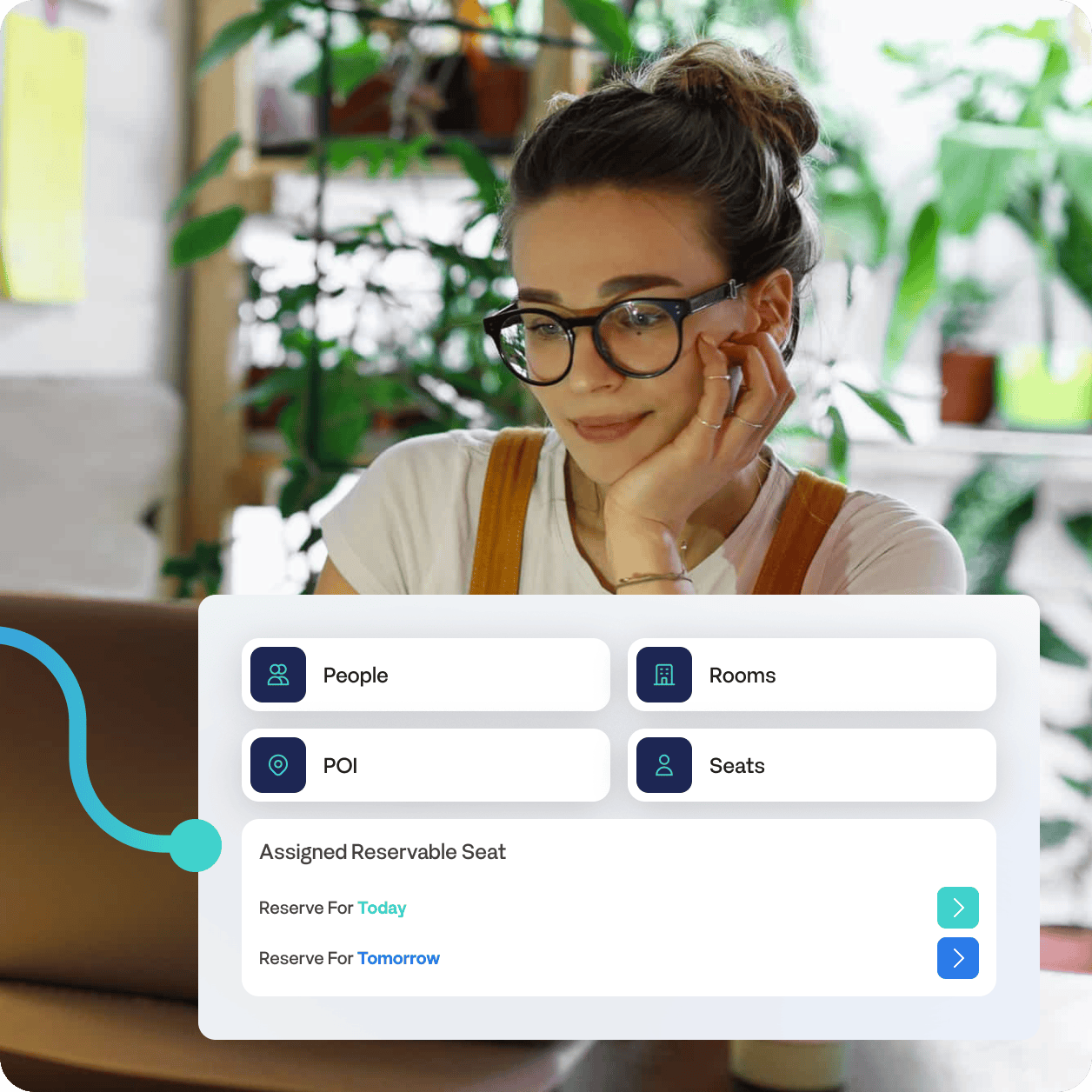
Workplace management software is a platform that helps organizations manage their physical office spaces — including desk booking, hot desking, room scheduling, visitor management, space utilization tracking, and occupancy analytics. Modern platforms are built specifically for hybrid work environments, where employees split time between home and office and space needs fluctuate by day and team. Solutions range from single-function desk booking tools to comprehensive platforms like Maptician that unify all of these functions in one place.
An Integrated Workplace Management System (IWMS) covers broad facility management functions — lease management, maintenance tracking, capital project planning, and space management — and is typically designed for large enterprises with complex real estate portfolios. Workplace management software focuses specifically on space, people, and the day-to-day office experience, making it faster to implement and easier to adopt. Maptician sits between the two: comprehensive enough to replace multiple point solutions across desk booking, visitor management, space planning, and analytics, without the complexity and implementation overhead of a traditional IWMS.
At minimum, workplace management software should include desk booking and hot desking, room scheduling, interactive floor plans, and basic occupancy reporting. More mature platforms add real-time office presence visibility, visitor management, space utilization analytics, and integrations with Microsoft 365, Google Workspace, and identity providers like Okta and Azure AD. Platforms like Maptician cover all of these in a single system, which reduces the need to stitch together multiple tools.
Implementation time varies significantly by platform type. Simpler desk booking tools can be live in days. Enterprise IWMS platforms can take months and typically require dedicated IT resources. Full-featured platforms like Maptician fall in between — most organizations are fully live with floor plans, hot desking, visitor management, and analytics active in about three weeks, making it one of the faster deployments for a platform of its breadth.
Hot desking software allows employees to book any available desk in the office on a flexible, day-by-day basis rather than having an assigned seat. Modern hot desking platforms include interactive floor plans, real-time availability, booking rules by team or floor, and utilization reporting. Several platforms on this list support hot desking — including Robin, deskbird, and Skedda — though Maptician combines hot desking with visitor management, space planning, and occupancy analytics in a single platform.
Law firms and financial services firms have specific requirements that many workplace platforms don’t fully address: visitor check-in workflows with compliance tracking, granular desk booking policies, multi-floor occupancy visibility, and security certifications. Maptician is widely used in both industries because it covers all of these in one platform — and its SOC 2 and ISO certifications meet the security standards those industries require.